

1-888-785-2677
Search for the projector lamp you need!
 Download Projector Manuals
Panasonic PT-52LCX16 Projector Lamp with Module

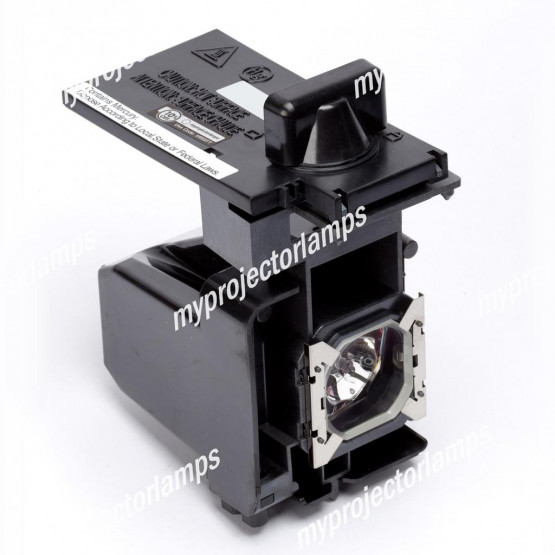


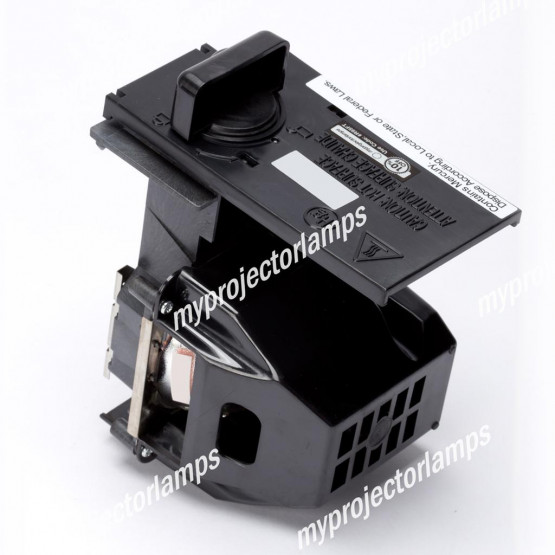
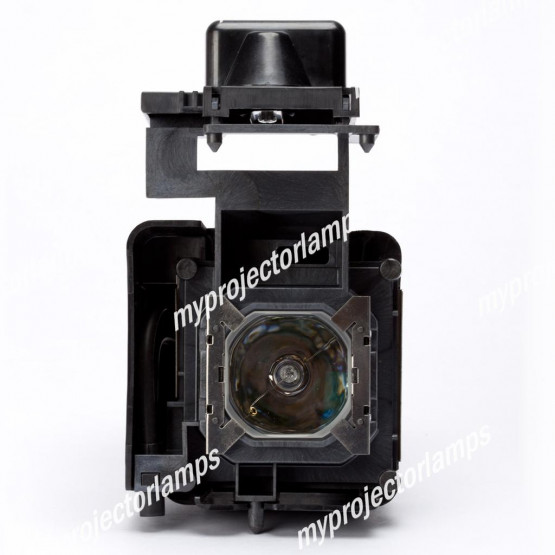
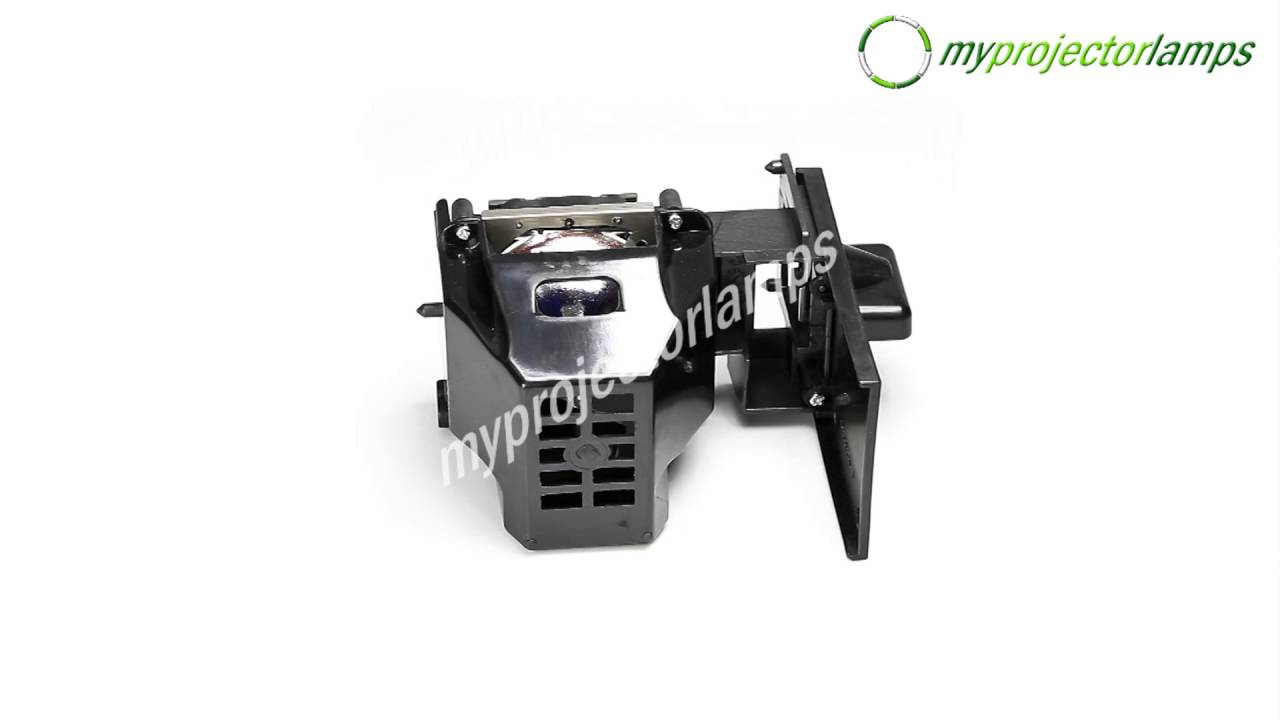
Technical Information
| Brand | Panasonic |
| Projector Model | PT-52LCX16 |
| Lamp Part Number | See "Alternative Lamp ID's" |
| Type | Projector Lamp with Module |
| Internal SKU # | MPLL09841 |

 Free Shipping On Ground Orders
Free Shipping On Ground Orders
$178.36
Expected Delivery Date: 09/10/2025

| Lowest Price Guaranteed |

|
We Accept Purchase Orders |
Suitable Projectors
Alternative Lamp ID's
Do you have a question about this product?
If you have a question about the product specifications or the functionality of the lamp, please type it in here and contribute to the MPL community.
If you have a question related to price or shipping please contact our helpful, accountable Customer Service.
F.A.Q. #1
Does this module match my projector?
See "Suitable Projectors" Above.
F.A.Q. #2
Is it as good as the bulb that came with my projector originally?
It is exactly the same quality, it is not an imitation lamp.
F.A.Q. #3
If I buy this item and find out it is the wrong item or doesn't work for any reason, can I get an exchange or refund?
EXCHANGES: You can return a lamp for exchange within 180 days of purchase. REFUNDS: You can return the lamp for ANY REASON within 30 days of purchase and receive a refund. *Restock fee may apply.

Receive $100 For contributing to our community
After you purchase, contribute to our community below by reviewing the high-quality products we sell. We are confident in our quality and for your contribution, you will be automatically entered into our current month's $100 giveaway!
If you have feedback for our CUSTOMER SERVICE department, please email directly or call us toll-free 1-888-785-2677 and ask for Jesse.
